
Here’s how you can see your active courses and pick up where you left off:
- Once you’re logged in, you’ll find your enrolled courses listed under “Current Courses” on your dashboard.
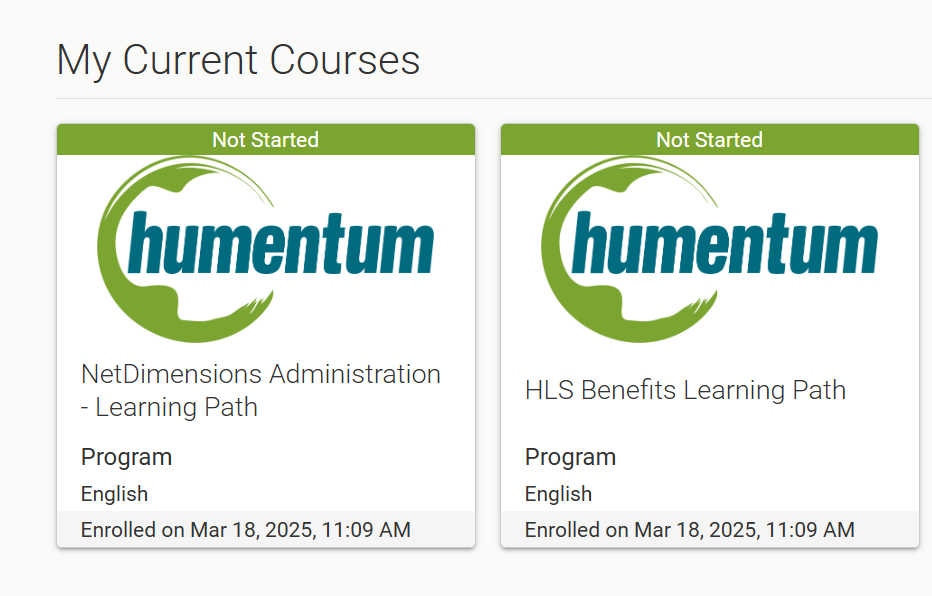
- Click a course tile to Launch it directly, or select “View All” to see everything you’re enrolled in.

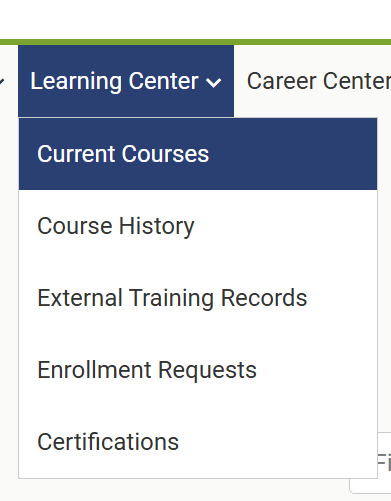
- You can also access your courses by navigating to Learning Center > Current Courses in the top menu.
- Most courses will save your progress automatically. If you want to return to a specific spot later, click the Bookmark icon inside the course. The next time you log in, you’ll be taken back to where you left off.