
Below are the login steps for each Center to access TrioLearn. You can also go directly to https://triolearn.learning.humentum.org/ in your browsers.
💡Need help exploring the new interface? Watch this quick 3-minute navigation video for a visual walkthrough before you begin.
For IWMI users:
You can login to TrioLearn through your IWMI intranet page and click on the “Courses: TrioLearn” icon under the “Staff development and wellbeing” tab as shown below.

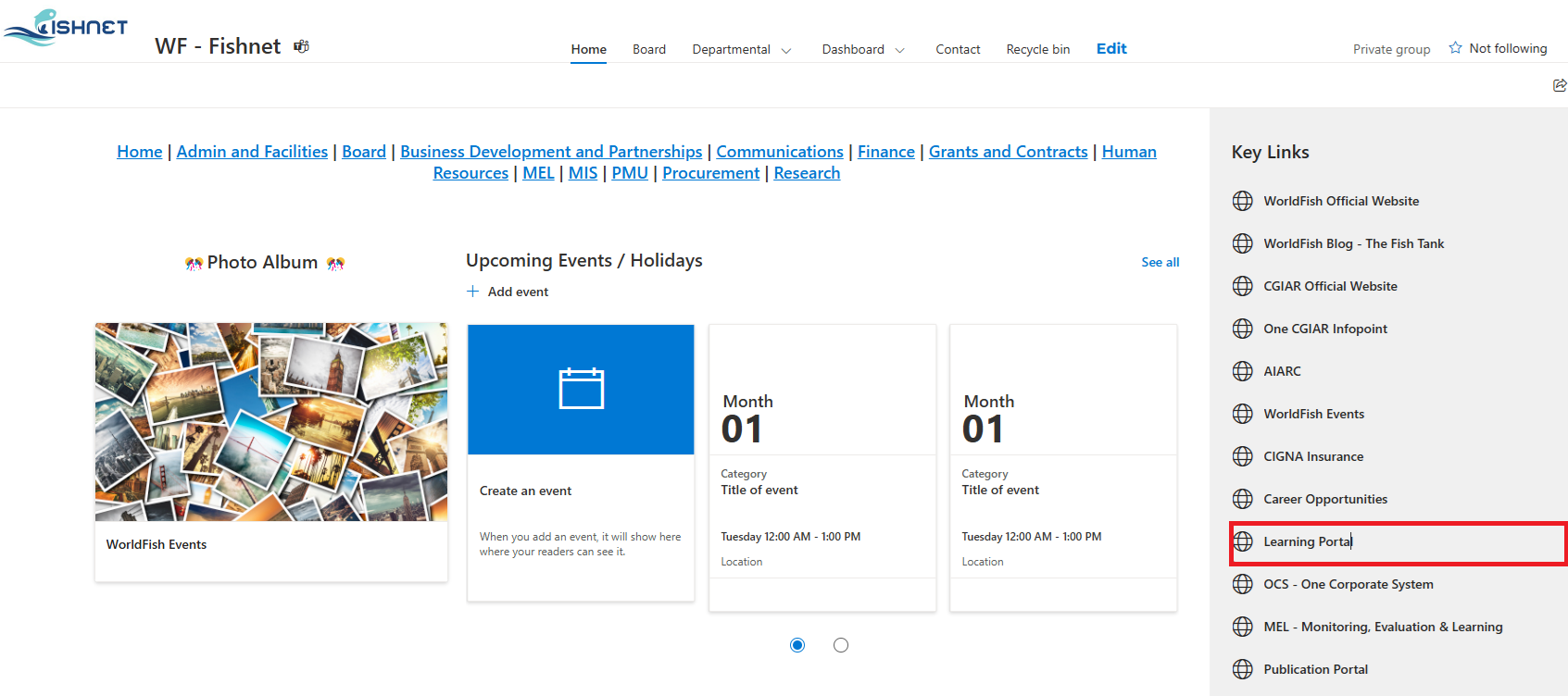
For WorldFish users:
You can login to TrioLearn through the Key Links on your WorldFish intranet page. Click on “Learning Portal”.
For IRRI users:
You can access TrioLearn by clicking the TrioLearn icon at the bottom of the HROD Learning and Development page.

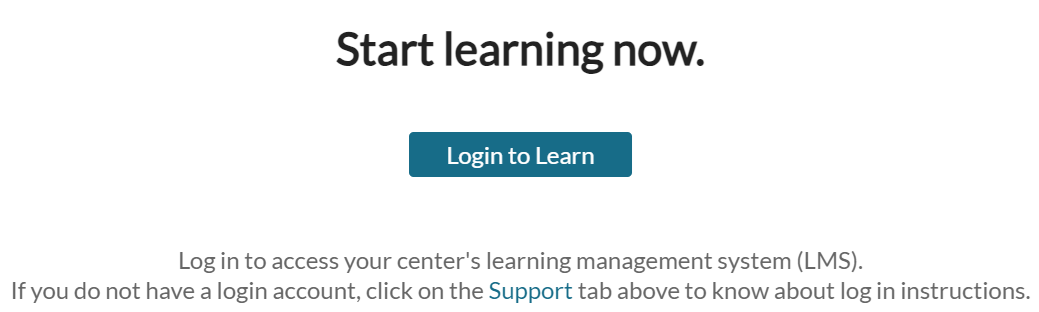
Upon following instructions for each center above, you will then be directed to the TrioLearn home page. Click the “Login to Learn” button on the page.
Important:
You must login to the TrioLearn LMS using the steps shared above. Trainings offered under the general Humentum website (searched through browser) are not a part of TrioLearn offerings and has cost implications. Please coordinate with HR should you wish to take up any of these trainings for guidance.